
 Join our Discord
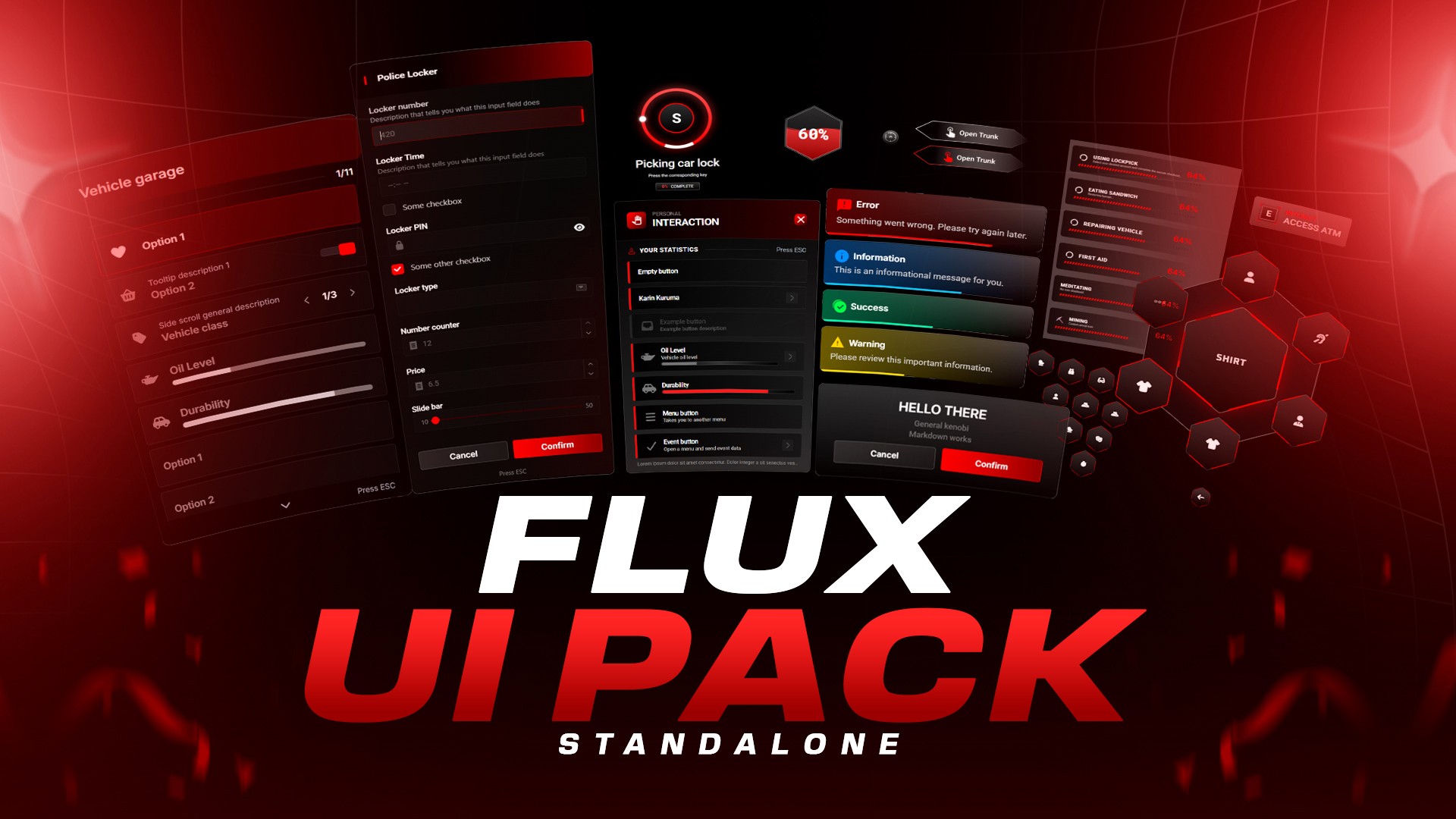
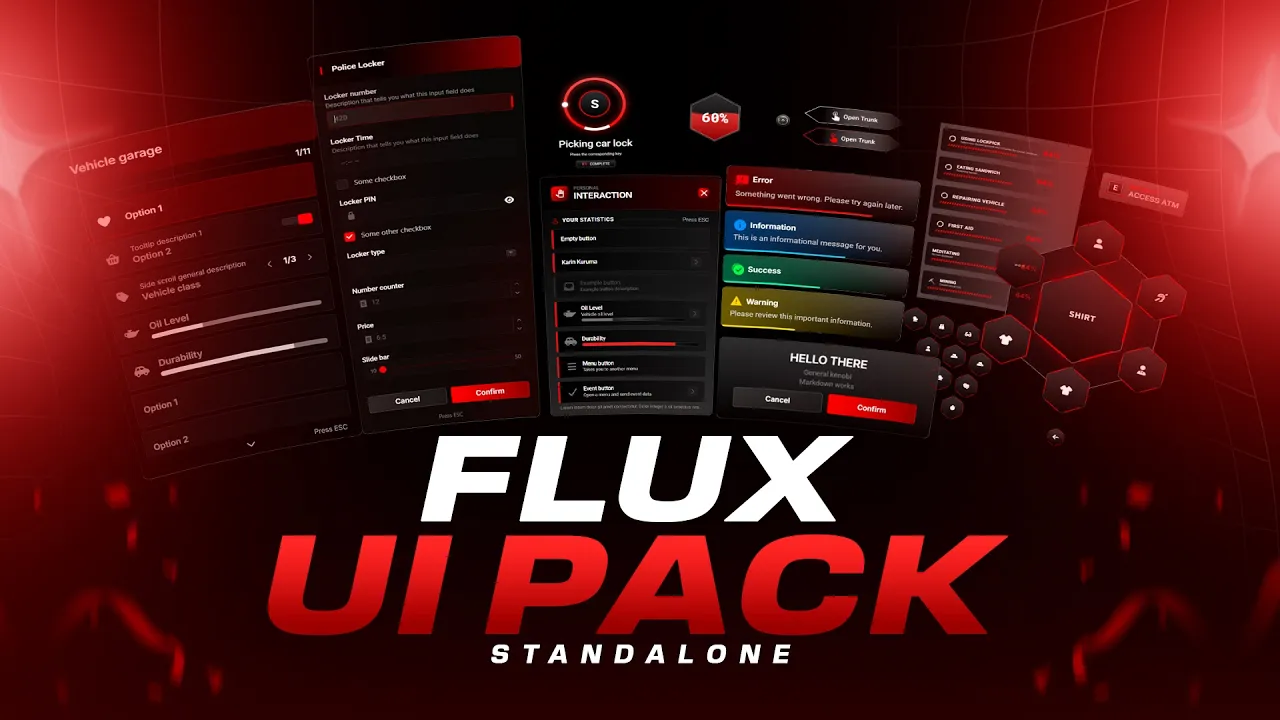
Flux UI Pack is a premium, all-in-one UI replacement for ox_lib and ox_target, designed to give your FiveM server a modern, cohesive, and immersive interface across every interaction.
This package completely transforms the visual experience of your server by redesigning notifications, context menus, radial menus, progress bars, skill checks, input dialogs, alert dialogs, list menus, text UI, and the targeting system — all under a unified design language with smooth animations and customizable theming.
Simply install the resource, choose your accent color, and restart your server. Every ox_lib and ox_target interaction across your server will automatically adopt the new UI without requiring edits to existing scripts.
Compatible with ESX, QBCore, and QBox, Flux UI Pack is lightweight, optimized, and built for production servers.
Clean. Modern. Immersive.
Key Features
Complete UI Overhaul
Flux UI Pack replaces all ox_lib interface components with a fully redesigned modern UI, ensuring every element across your server matches visually.
This includes:
- Notifications
- Context menus
- Radial menus
- Progress bars and circles
- Skill checks
- Input dialogs
- Alert dialogs
- List menus
- Text UI
- ox_target interaction system
Everything follows the same visual style for a consistent player experience.
One-Color Server Theming
Configure a single hex accent color and the entire interface adapts automatically.
- Set your color in
config.lua - Adjustable shade system from lightest (0) to darkest (9)
- ox_target automatically uses the same accent color
This allows servers to instantly match their branding or theme.
Interface Components
Notifications
Modern notification popups with full customization options.
Features include:
- Icon support
- Multiple screen positions
- Adjustable durations
- Animated icons (spin, pulse, beat, bounce, shake, etc.)
- Custom sound support
- Notification types: success, error, warning, info
Context Menus
A redesigned context menu system designed for clarity and ease of use.
Supports:
- Titles and subtitles
- Section headers
- Icons and images
- Progress indicators
- Metadata and descriptions
- Nested submenus with back navigation
- Disabled or read-only options
- Built-in event and server event triggers
Radial Menu
A custom-designed radial interaction menu with fluid animations.
Features include:
- Smooth open and close animations
- Hold-to-open or press-to-open modes
- Configurable keybind
- Nested sub-radial menus
- Dynamic item creation and removal
- Persistent action support
Progress Bar & Progress Circle
Two different progress display styles:
- Linear progress bar
- Circular progress indicator
Includes support for:
- Cancel key configuration
- Animation and prop attachments
- Movement and combat restrictions
- Interrupt conditions such as death, ragdoll, swimming, or falling
Skill Check Minigame
An integrated skill-check system designed for interactive gameplay.
Features:
- Difficulty presets (easy, medium, hard)
- Custom difficulty configuration
- Adjustable speed and area size
- Custom input keys
- Optional titles and progress indicators
Input Dialog System
Flexible multi-field input forms supporting many input types:
- Text inputs
- Password fields
- Number inputs
- Checkboxes
- Dropdown selects
- Multi-select menus
- Sliders
Each field supports icons, placeholders, validation rules, descriptions, and default values.
Alert Dialogs
Clean confirmation and alert dialogs.
Options include:
- Custom titles and messages
- Confirm and cancel buttons
- Configurable dialog sizes
- Centered layouts
- Optional timeout for auto-dismiss
List Menu
Scrollable list-based menu system with advanced features:
- Side-scroll values
- Checkbox toggles
- Progress indicators
- Icons and descriptions
- Keyboard navigation
- Selection and scroll callbacks
Text UI
A customizable on-screen text display system.
Features include:
- Optional heading and key indicator
- Multiple screen positions
- Smart duplicate detection to prevent unnecessary re-renders
Custom ox_target Integration
Flux UI Pack includes a fully redesigned targeting interface.
Features include:
- Custom SVG crosshair eye
- Styled interaction cards
- Hover effects and accent color highlights
- FontAwesome icon support
- Smooth fade animations
- Full compatibility with entities, vehicles, players, zones, and models
Backward compatibility with qtarget is also supported.
Zero-Effort Integration
Flux UI Pack integrates directly with ox_lib and ox_target without requiring modifications to existing resources.
Simply add the provided snippet to ox_lib/init.lua, and the UI will automatically apply across your entire server.
Supported call methods:
-
lib.function() -
exports['ox_lib']:function() -
exports['flux-ui-pack']:Function()
Multi-Language Support
Flux UI Pack includes support for 12+ languages, including:
English, Czech, German, Spanish, French, Italian, Dutch, Polish, Portuguese, Romanian, Russian, and Turkish.
Additional ox_target locale support includes Danish, Estonian, Finnish, Croatian, Hungarian, Indonesian, Slovenian, Chinese (CN/TW), and Portuguese (BR).
Fully Configurable
The UI can be customized using configuration files or server convars.
Available configuration options include:
- Accent color and shade
- Notification position and duration
- Progress bar location and cancel key
- Text UI placement
- Radial menu keybind and activation mode
- Context menu positioning
- Per-component enable or disable options
Lightweight & Optimized
Flux UI Pack is built with performance in mind.
- Pre-built web assets (no build process required)
- Minimal resource overhead
- Bundled Roboto font for consistent typography
- Clean Lua codebase with full type annotations
Requirements
- ox_lib v3.30.0 or newer (required for ox_target integration)
- FiveM server with Lua 5.4 support
Compatibility
- STANDALONE
Flux UI Pack
Upgrade your server’s interface with a modern, unified UI system designed for immersion, clarity, and performance.
Your players interact with UI constantly — Flux ensures that every interaction feels clean, modern, and professional.